










How to Bypass “I Can’t Generate That Image” for Famous People

October 10, 2025
15.5K Views
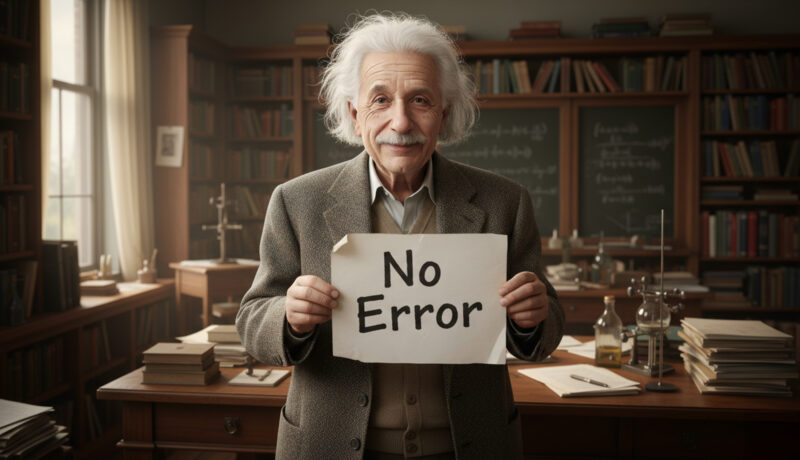
If you’ve ever tried generating images of celebrities using AI, you’ve likely hit a frustrating roadblock. Platforms like ChatGPT or Gemeni often respond with messages like: These safety filters are in place to prevent misuse, but they can also block perfectly harmless...

Restore & Colorize ANY Old Photo in 1 Minute
September 23, 2025
1.6K Views
In this tutorial, I’ll show you the easiest way to restore and colorize old photographs using the power of AI. I’ll be using the modern and powerful tool Nano Banana to bring your memories back to life! No complex software—just simple steps and powerful AI. Follow along and...
Hand Drawn Text Effect
September 2, 2023
2K Views
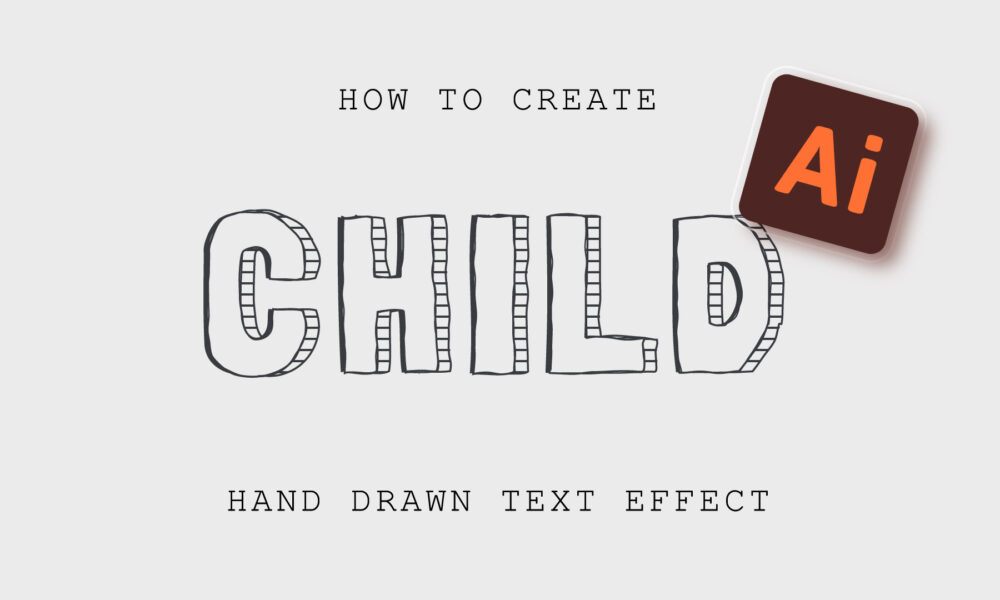
In this tutorial, we will create a hand-drawn text effect. Using the Appearance panel we will achieve 100% editability of the effect. We will also add a line pattern to the Swatches panel.Font used in the tutorial: Londrina.
Paper Editable Text Effect
August 29, 2023
1.9K Views
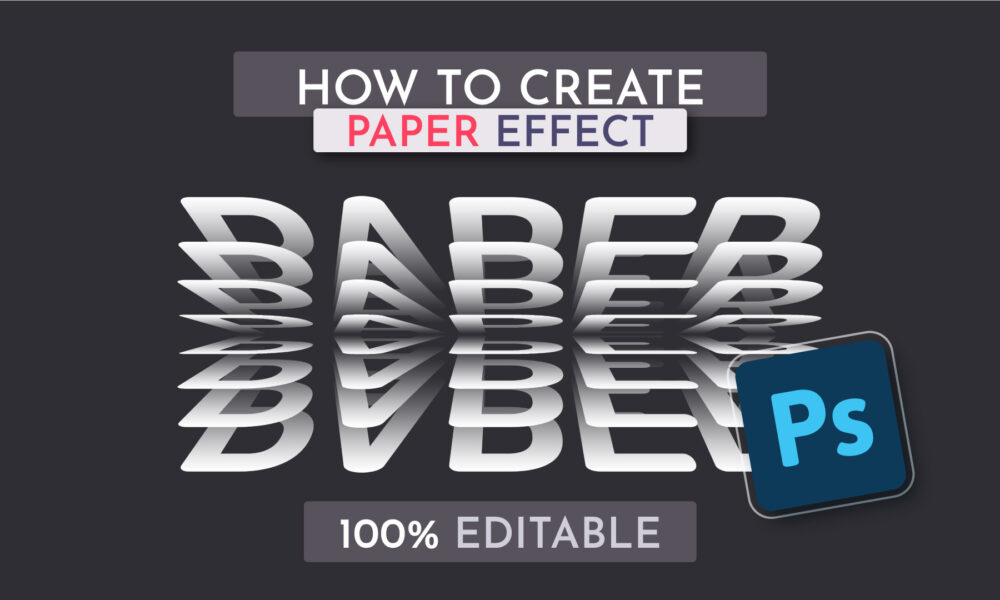
Realistic paper text effect in Adobe Photoshop. Just type the text and the effect will be applied! By using a smart object we get 100% editability of the effect. The effect will work with any text or shape. In this tutorial, we’ll be using a Smart Object, the Layer Style panel, and...

Horror Editable Text Effect
May 15, 2023
2.6K Views
Bloody and scary text effect in Adobe Photoshop. Just type the text and the effect will be applied! In this tutorial, we will learn how to work with smart objects. Color, stroke and other effects will be created using the Layer Style. We will also record an Action to create a 3D effect....
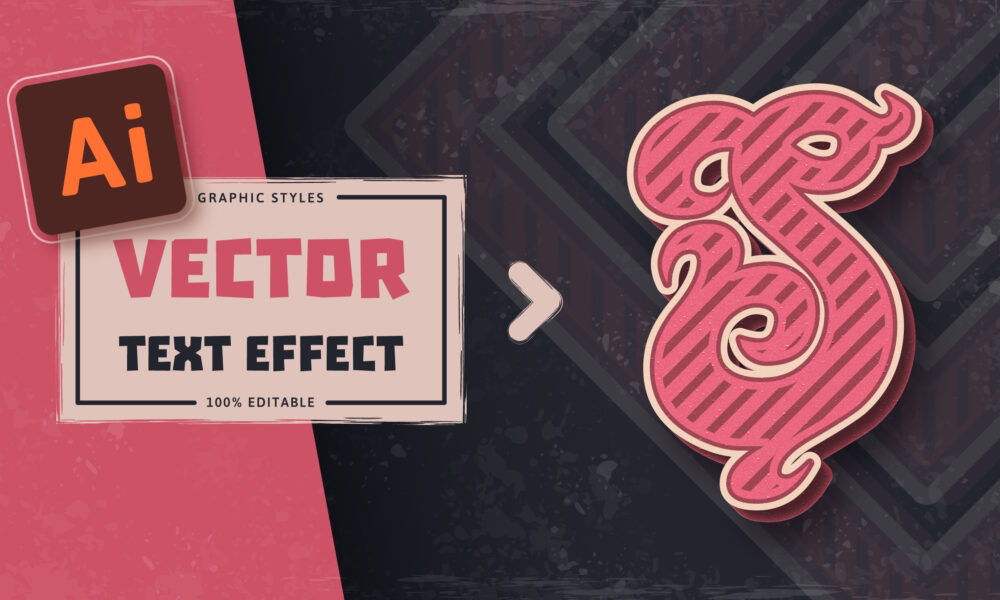
Retro Editable Text Effect
May 9, 2023
791 Views
Vintage retro text effect with texture in Adobe Illustrator. Just type the text and the effect will be applied. In this tutorial, you will learn how to work with “Appearance Panel”. Try to use effects: “Gaussian Blur”, “Inner Glow” and add texture with...

Gold Editable Text Effect
May 8, 2023
7.4K Views
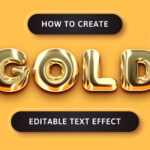
A simple and expensive gold effect in Adobe Illustrator. Just type the text and the effect will be applied. In this tutorial, you will learn how to work with “Appearance Panel”. Try to use effects: “Gaussian Blur”, “Inner Glow” and “Chrome”....